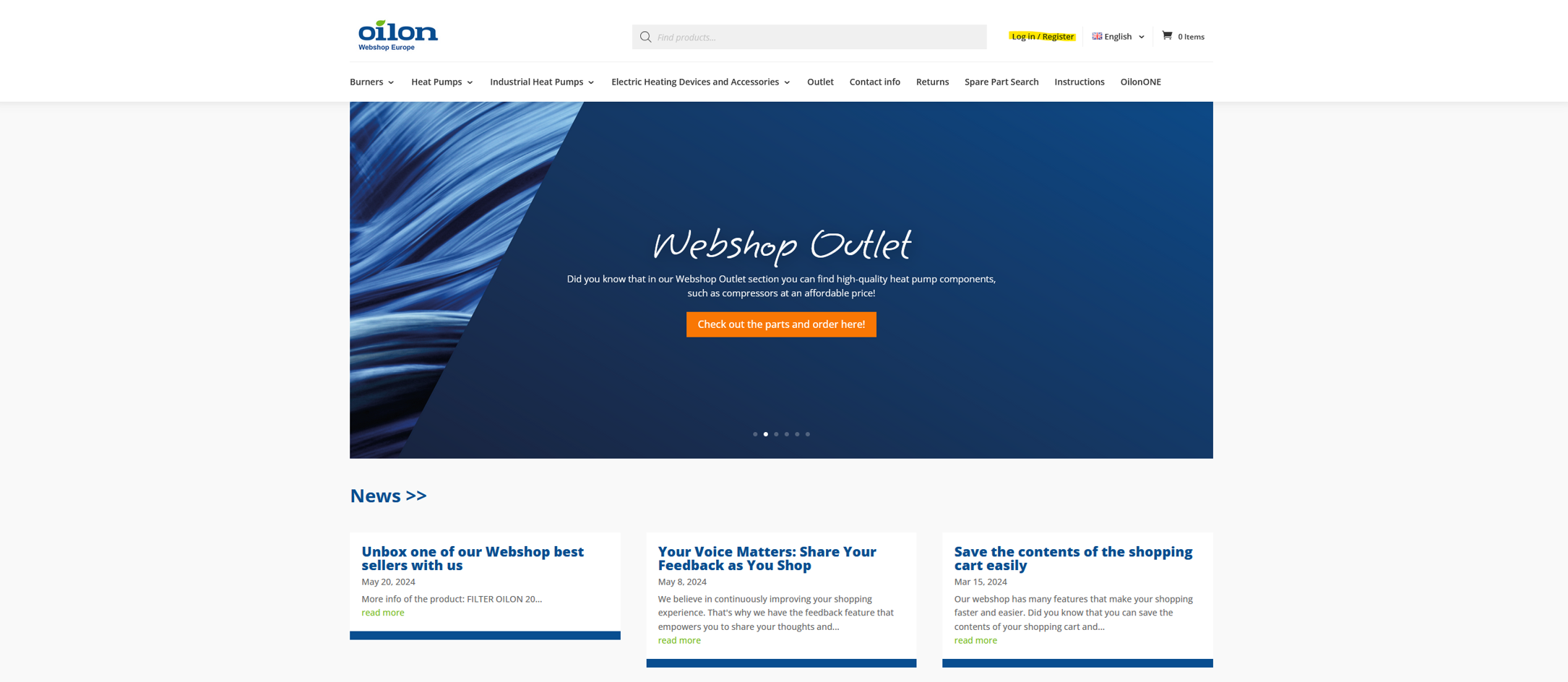
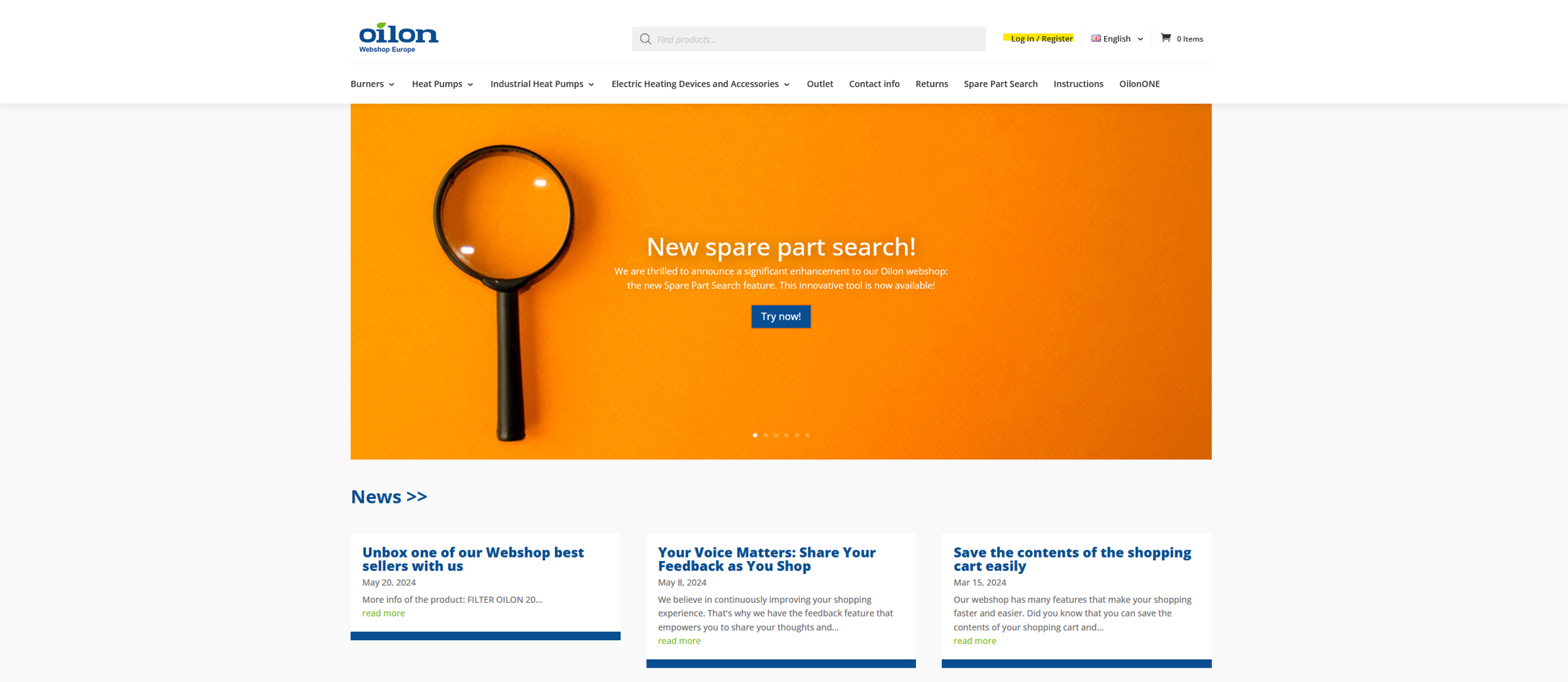
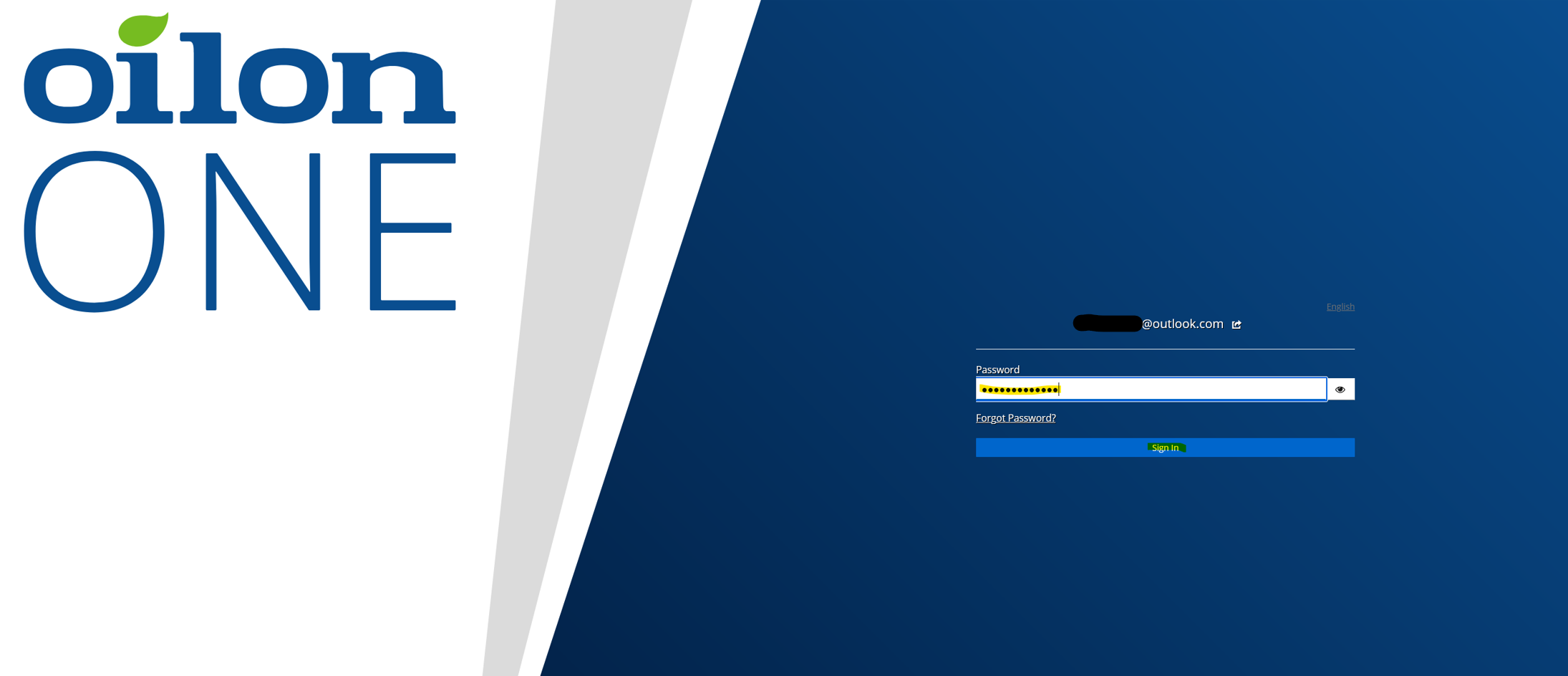
Log in to the Webshop as usual by clicking the “Log in/register” button on the top bar:
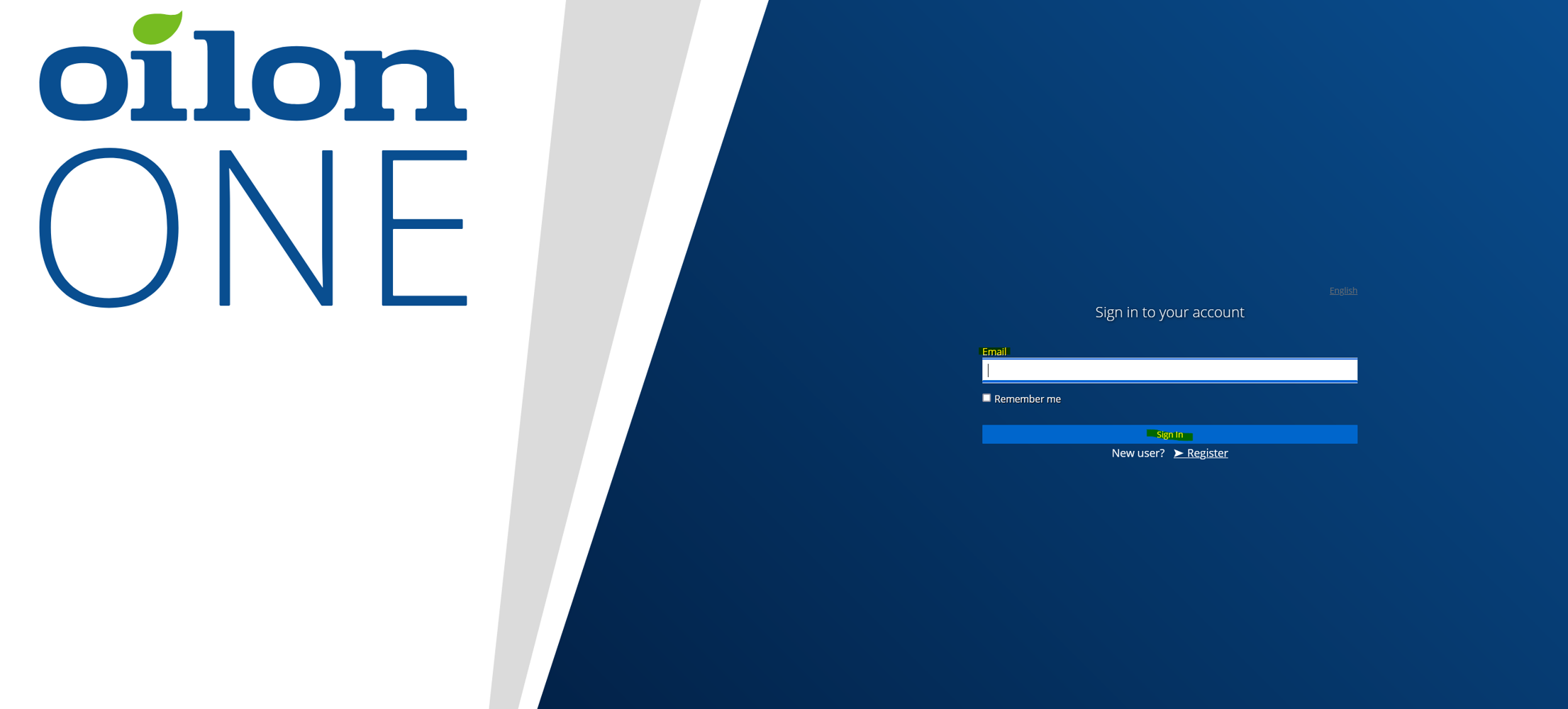
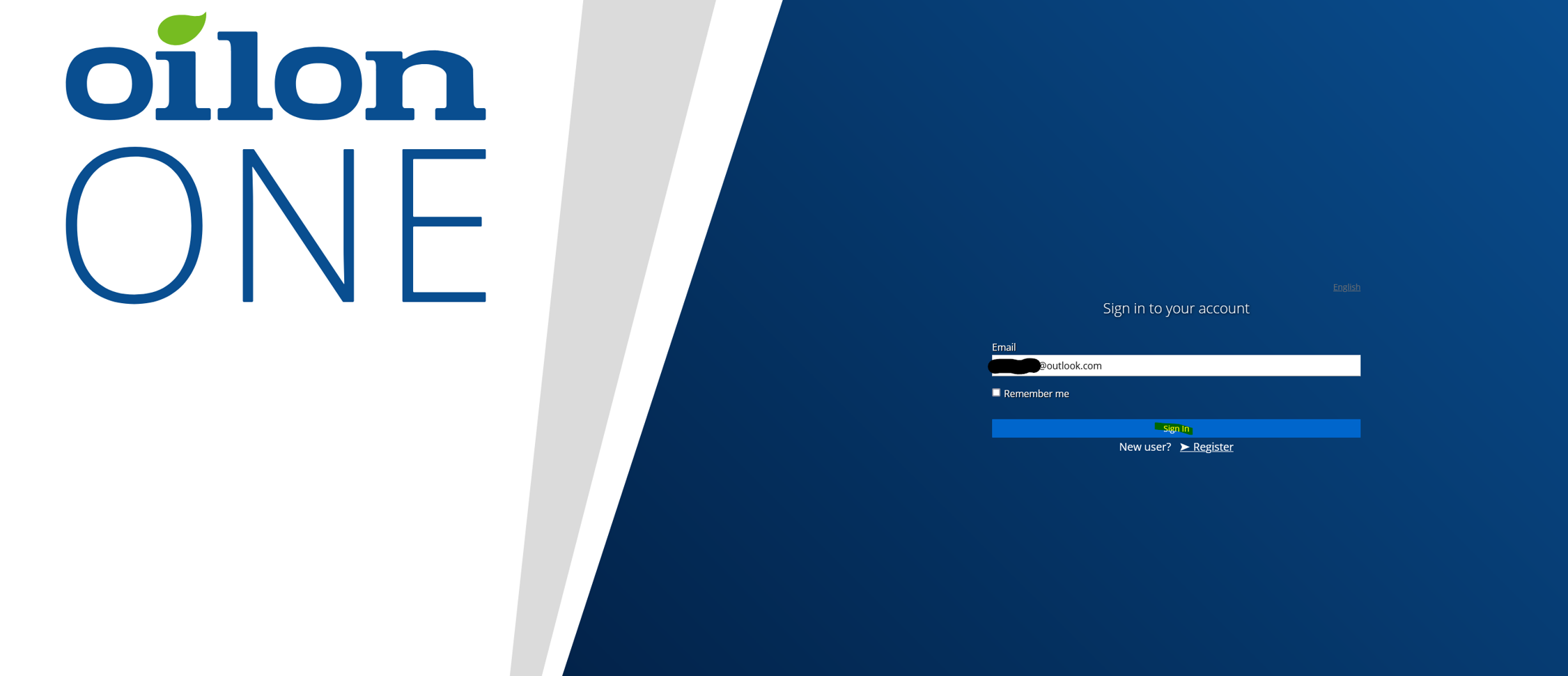
Enter the email address you have used to log in to the Webshop:
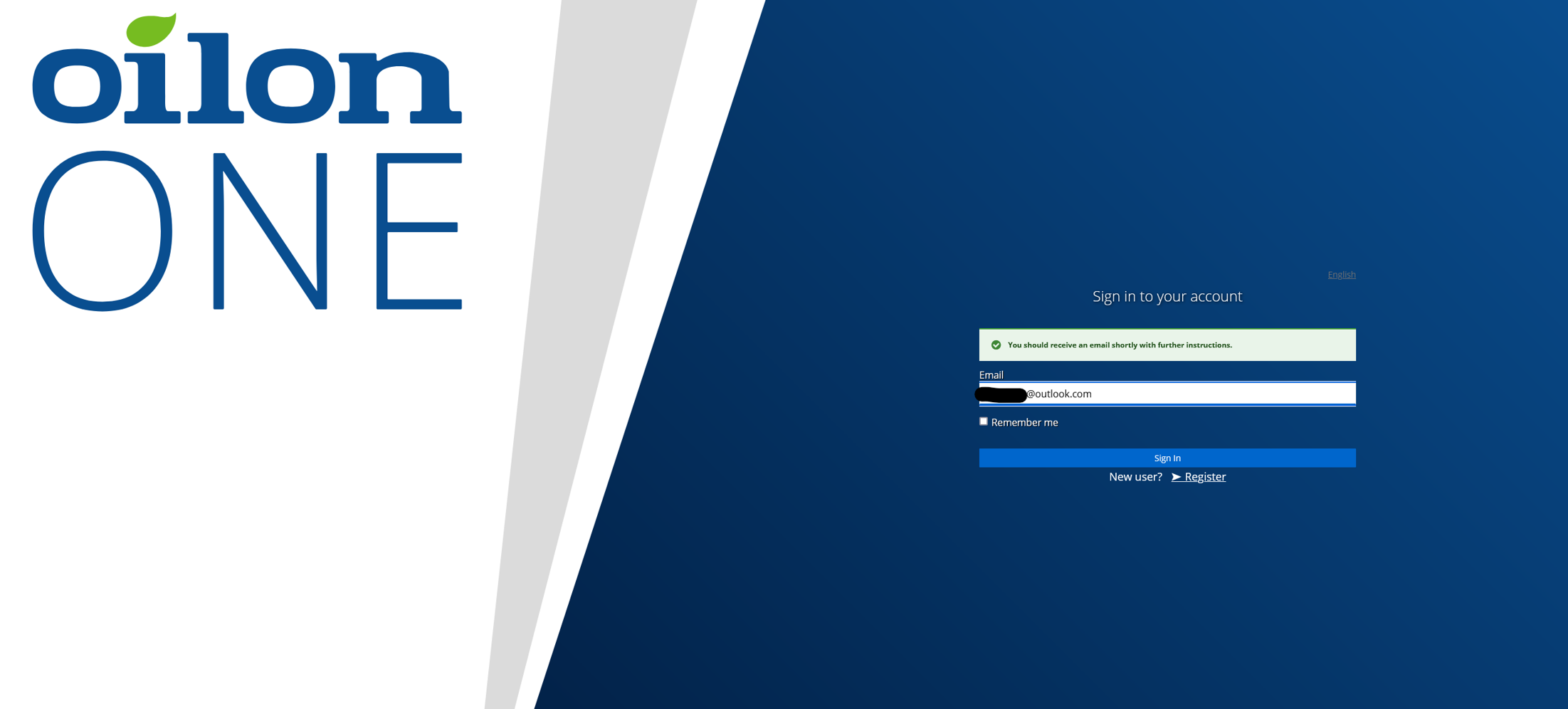
Next, you’ll receive additional instructions at the email address you provided. If you don’t see the message, please check your spam folder to find it:
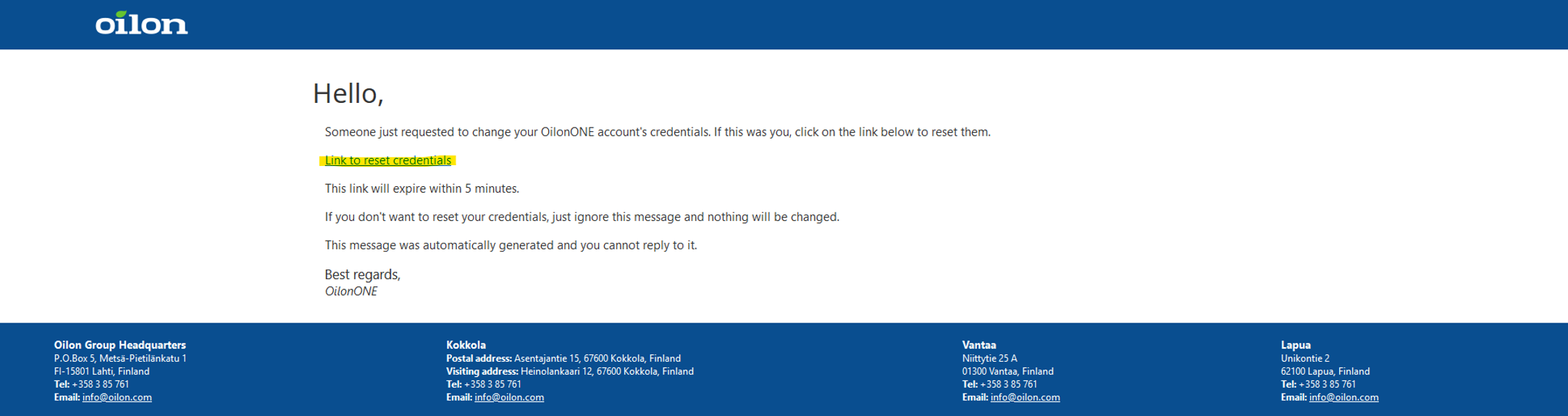
You’ll receive an email from OilonONE to set your password:
Open the email and click the link titled “Link to reset credentials”:
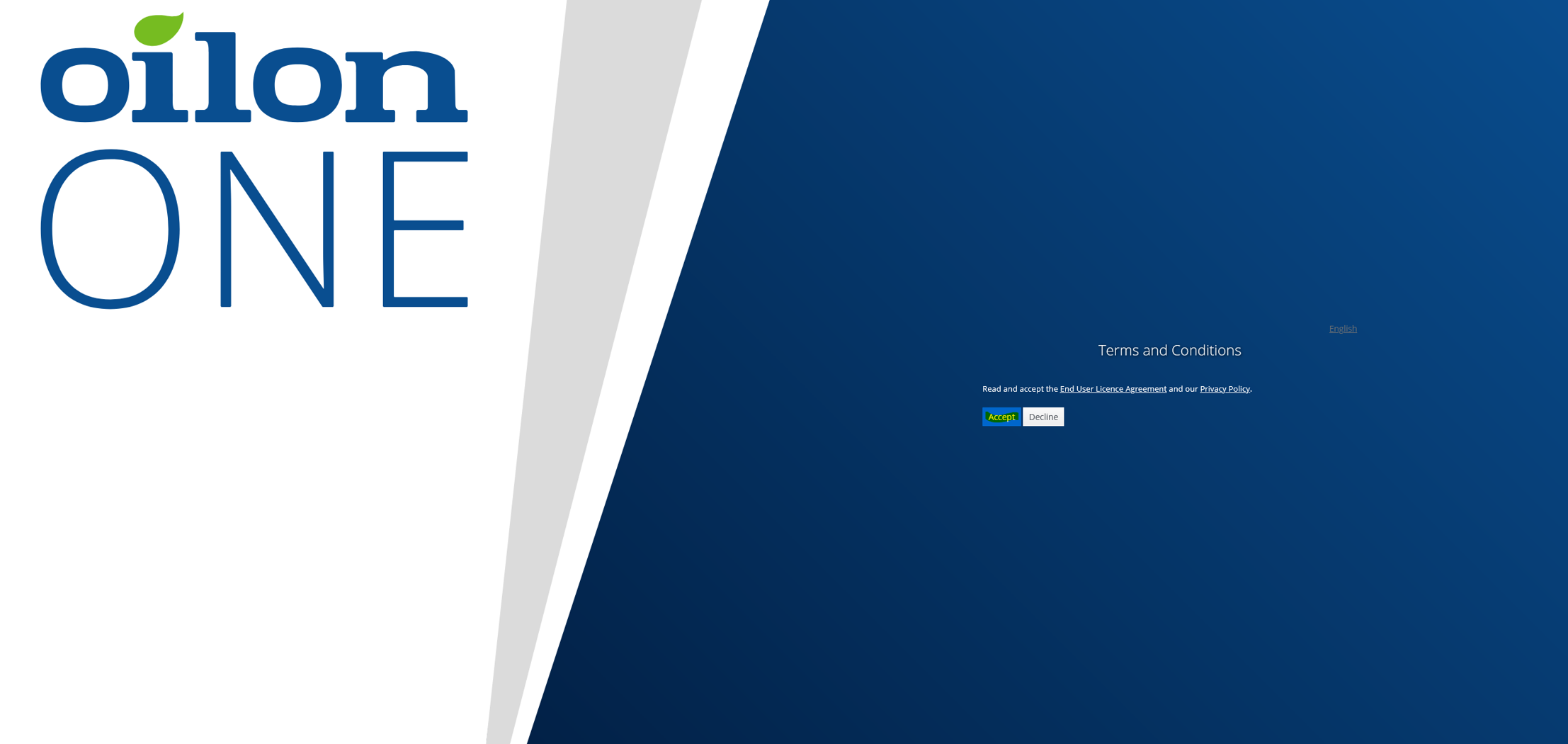
Next, you will need to accept the terms of service:
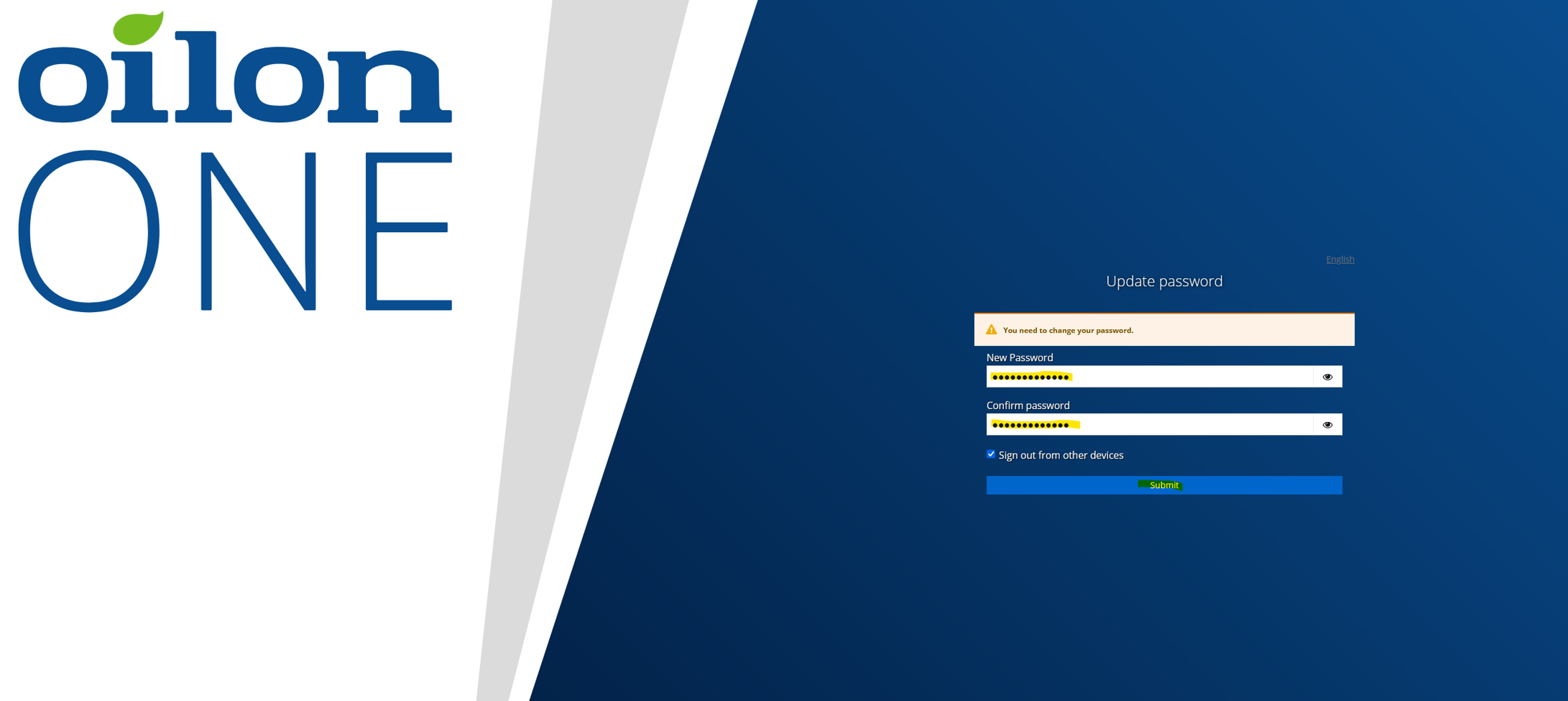
After this, you can set the desired password for the service:
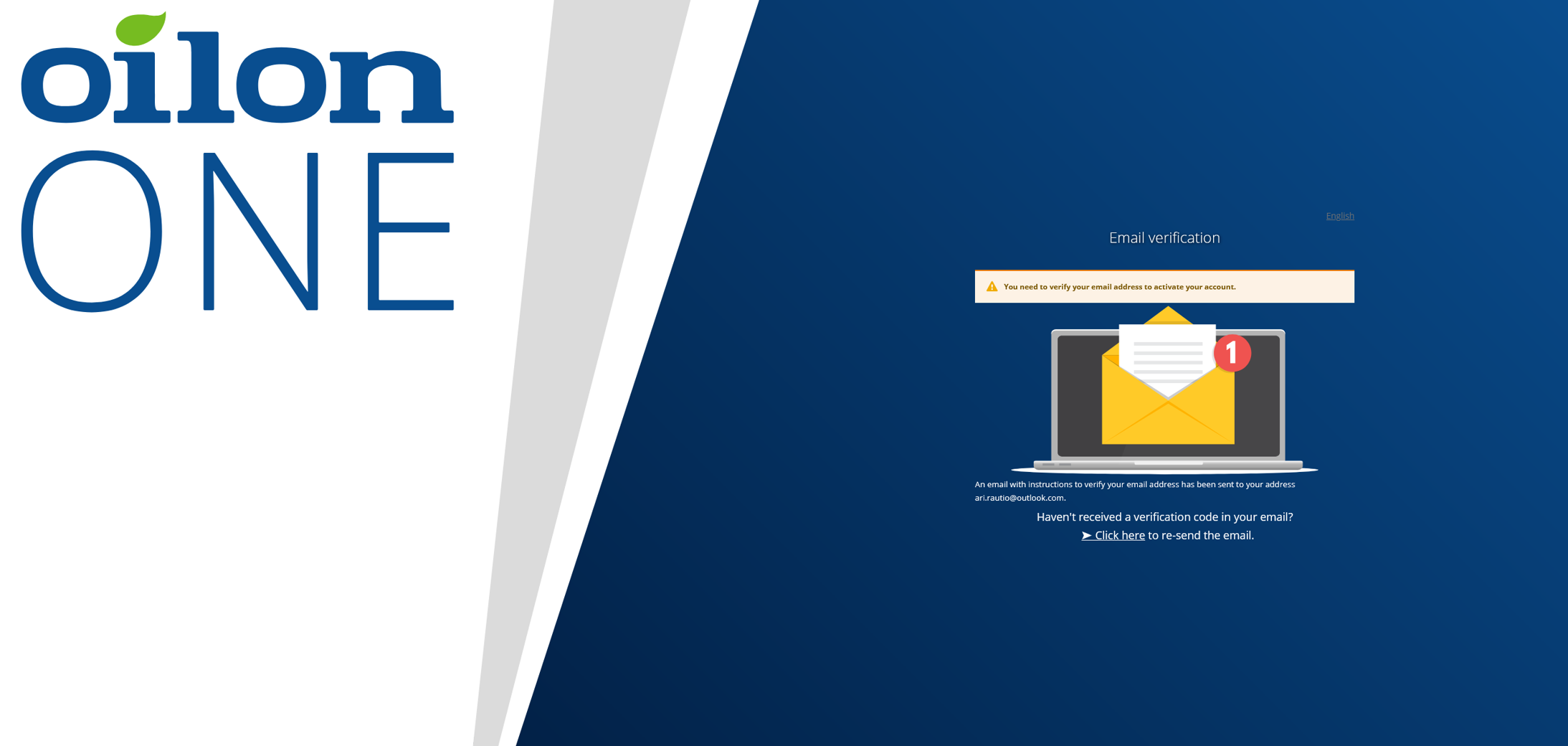
After setting the password, the service will verify your email address:
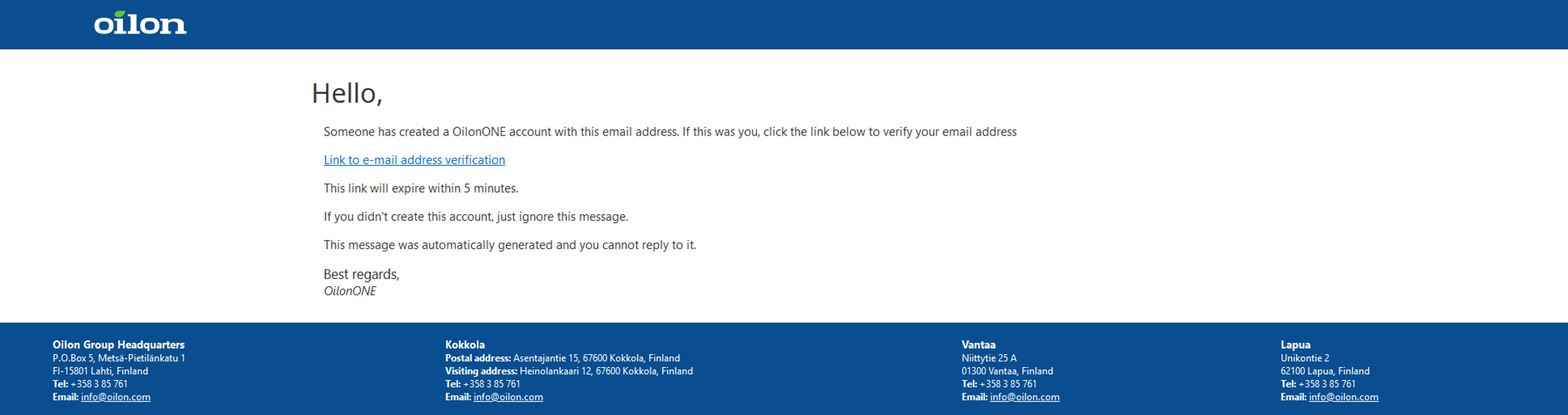
An email will arrive from OilonONE to verify the email is correct:
Open the message and click the link titled “Link to e-mail address verification”:
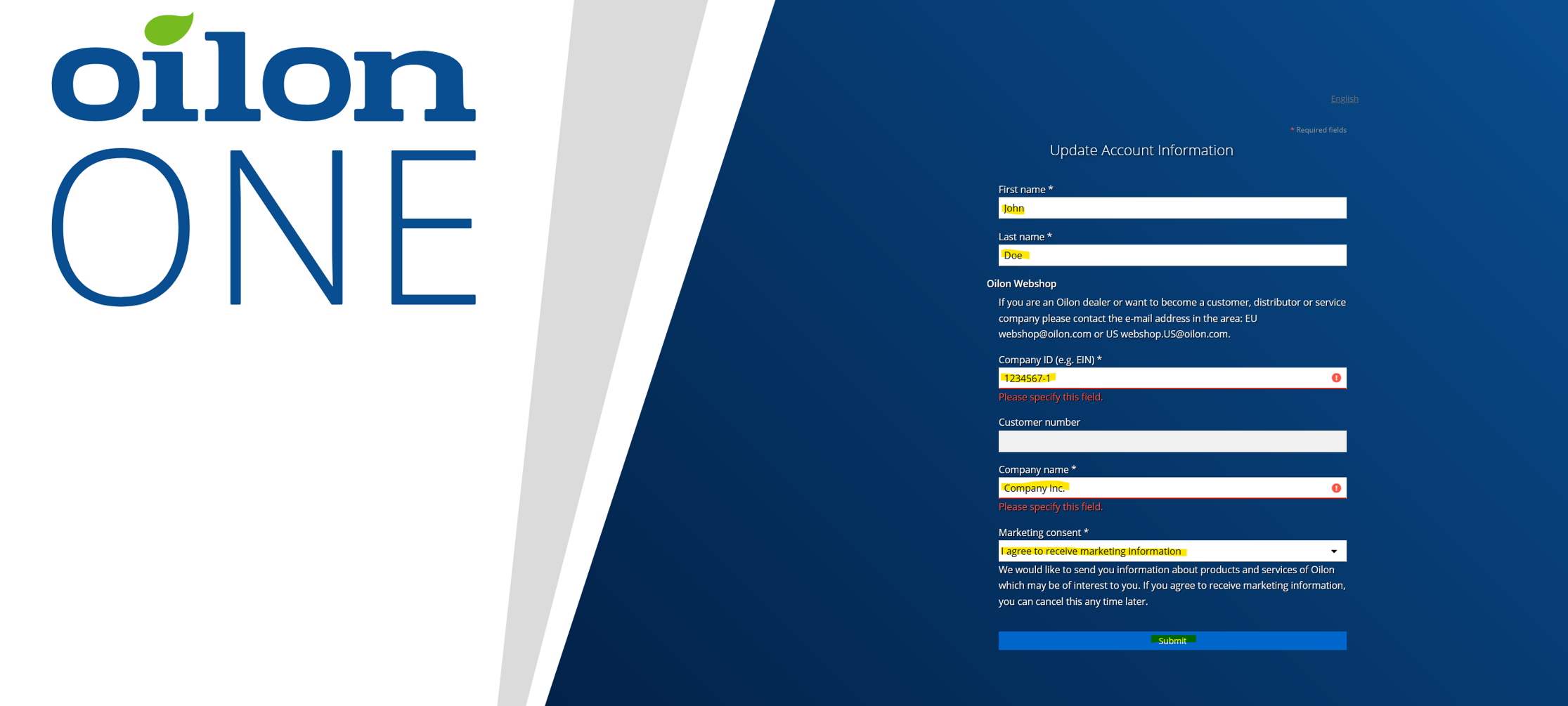
In the next step, you will need to verify/fill in the required information, after which you can submit the verification.
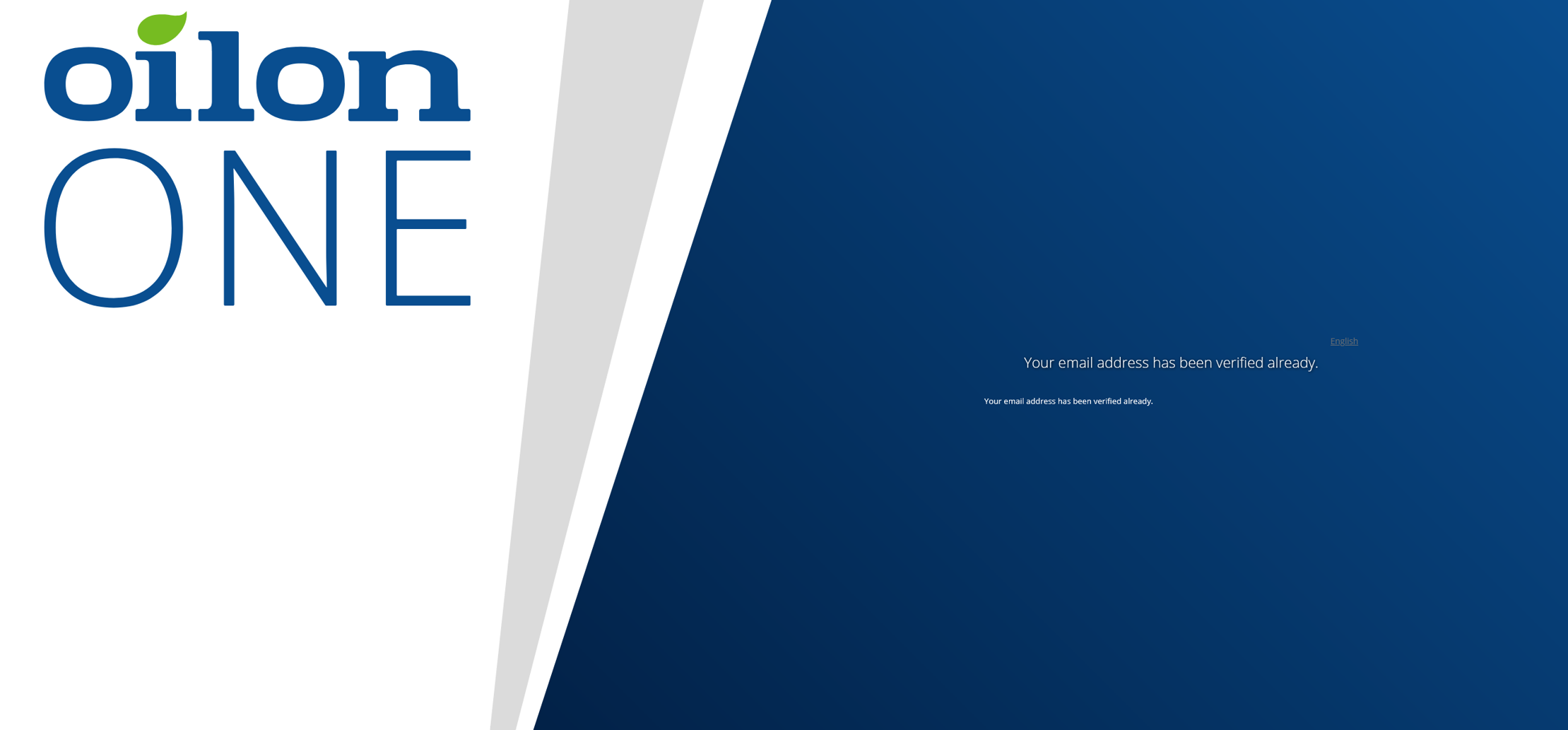
You will receive a notification to verify your email address:
After this, you can log in to the Webshop with the credentials you created normally: