


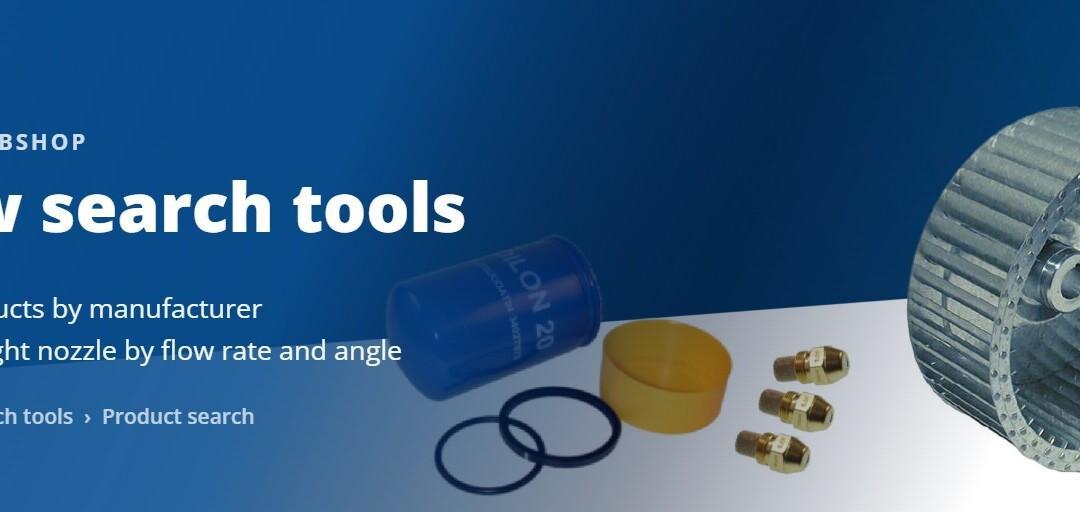
The webshop now has two search tools that help you find the right spare part faster. Both are in the menu under Search tools.
Where to find them
The top menu has a Search tools item. Under it you will find two pages:
- Product search – browse and narrow down the whole range
- Spare Part Search – find parts using your unit’s serial number
The search tools also appear in the sidebar whenever you browse products, so you can keep narrowing down from wherever you are.
Product search – narrow down the range
Product search is the full product listing, which you can narrow using the sidebar menus. The filters work inside product categories too.
1. Filter by brand
Pick a manufacturer from the dropdown – for example Danfoss, Suntec, Fluidics, Bergonzo, Siemens or Dungs. There are currently twenty manufacturers.
The dropdown shows only the brands actually present on that page, with the number of products after each one. If you are in burner spare parts and the list says Dungs (12), there are exactly twelve. You will not land on an empty result.
To clear the filter, choose All brands.
2. Nozzle search
Oil nozzles have their own menus, because a nozzle is not found by name but by its technical values:
- Flow rate – 0.40 G … 6.00 G
- Nozzle angle – 45°, 60° or 80°
- Spray pattern – S, H or B
These menus appear in the category Oil Nozzles 0,4 – 6,0 G. In other categories they stay hidden, because those products do not carry the same values.
3. Combine the filters
The menus work together. Choose flow rate 0.85 G and brand Danfoss, and you will see only the nozzles that match both. Every choice narrows the list, and the counts in the menus update with it.
A practical example. You need a Danfoss oil nozzle, flow rate 0.85 G, angle 45°. Go to Search tools › Product search, open the Oil Nozzles category, then select Danfoss, 0.85 G and 45°. A handful of products remain, and you pick the right one by spray pattern.
Spare Part Search – search by serial number
If you know the serial number of your unit, this is the fastest route. Enter the serial number and the search lists the spare parts that belong to that specific unit.
You will find the serial number on the unit’s rating plate.
Which one to use
- You know the unit – start with Spare Part Search. You get the parts that fit that unit.
- You know the part – use Product search. Narrow by manufacturer, or by the nozzle’s technical values.
- You are not sure – browse the categories and filter by brand. The counts tell you straight away whether a choice is worth making.
Work continues
Manufacturer information is being added all the time, so more products will appear in the brand filter as the data is collected. Technical search values are being extended to other nozzle families as well.
If you cannot find what you are looking for, or you spot an error in the product information, get in touch: webshop@oilon.com.